
- Posted on
- admin
- No Comments
DuckDB vs PostgreSQL: Key Differences
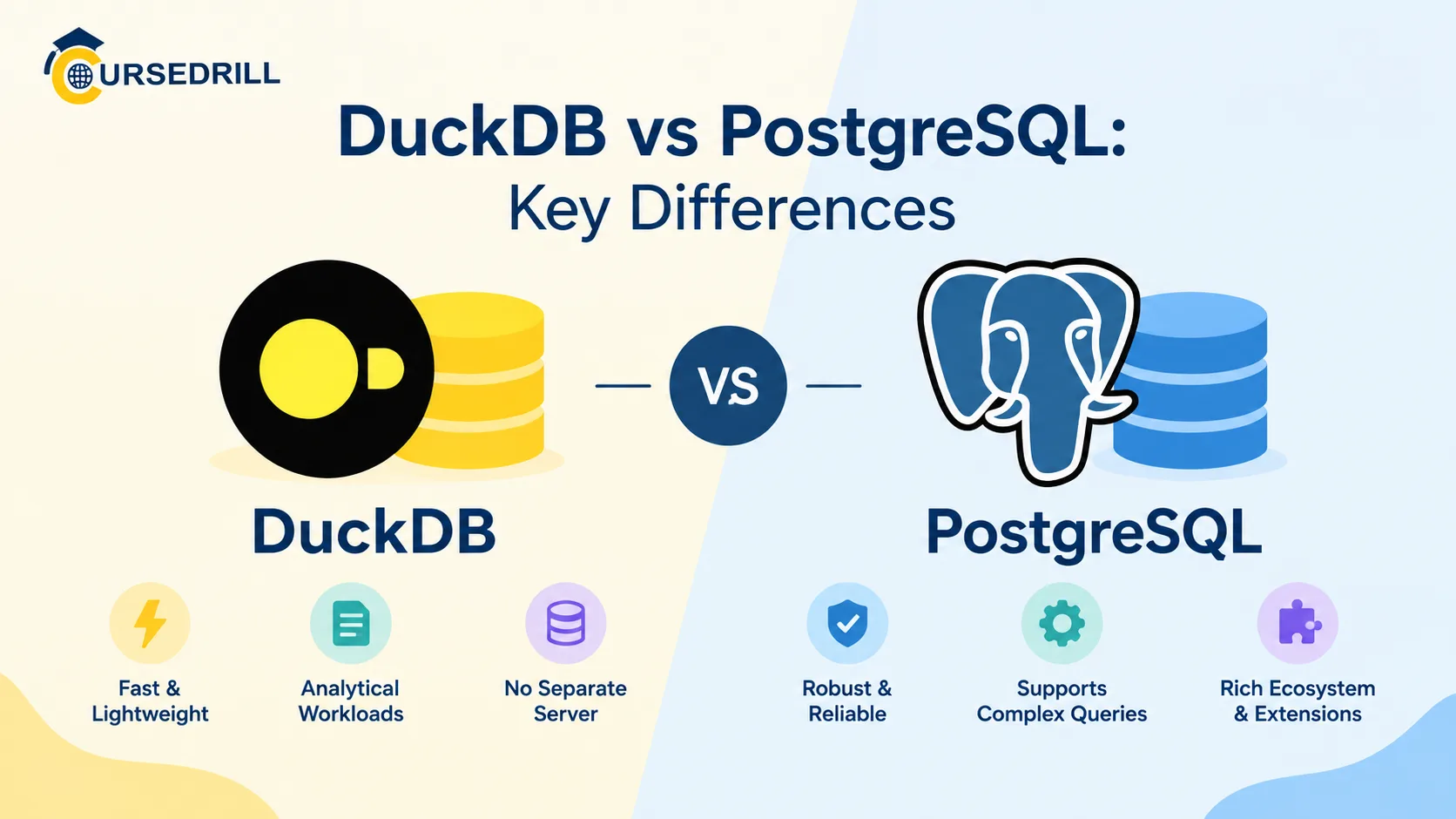
Every few months someone asks whether DuckDB is “replacing” PostgreSQL, and the honest answer is that the question doesn’t quite make sense. They’re not competing for the same job. PostgreSQL runs your application’s backend, handling thousands of small transactions from real users. DuckDB sits closer to your laptop or your pipeline, chewing through millions of rows for a report in seconds. Once you see why they’re built so differently, the comparison stops being a rivalry and starts being useful.
This piece walks through where DuckDB and PostgreSQL actually diverge: storage model, concurrency, indexing, how each handles data that doesn’t fit in memory, and the newer tools that let you run both side by side instead of picking one.
What DuckDB and PostgreSQL are actually built for
PostgreSQL has been around since the mid-1980s in one form or another and has spent decades hardening into a general-purpose, production-grade relational database. It’s the thing you point your application at when real users are creating accounts, placing orders, and updating records, often thousands of times a second, and you need every one of those writes to be safe even if the server crashes mid-transaction.
DuckDB is much younger, developed at CWI in the Netherlands and first released around 2019, with a specific goal: bring the convenience of SQLite, no server, no setup, a single binary, to analytical workloads instead of transactional ones. Where SQLite is great at storing a handful of app records locally, DuckDB is built to scan, aggregate, and join large datasets fast, often sitting directly inside a Python script, a notebook, or a data pipeline rather than running as a standalone service.
That’s the one-sentence version: PostgreSQL is an OLTP database that can be pushed into analytics with effort. DuckDB is an OLAP engine that was never meant to run your checkout flow.
The core architecture difference: in-process vs client-server
PostgreSQL runs as a separate server process. Your application connects to it over a network socket, even if that socket happens to be on the same machine, and every query travels through that connection. This is what lets dozens or thousands of clients talk to the same database at once, and it’s also why you need to manage a running Postgres instance, configure connection pools, and think about network latency even for local setups.
DuckDB runs in-process. There’s no server to start, no port to open, no separate daemon to keep alive. You import it as a library, point it at a file (or run entirely in memory), and query it directly from your application’s own process. This is the same model SQLite popularized for transactional work, just applied to analytics instead.
The practical effect: spinning up DuckDB inside a Python script takes one line and no infrastructure. Spinning up Postgres means a server, a connection string, and usually a bit of DevOps even for a quick local test.
Row storage vs column storage, and why it matters
This is the difference that actually explains most of the performance gap people notice.
PostgreSQL stores data row by row. A single row, with all its columns, sits together on disk. That’s ideal when your query needs an entire row at once, like “fetch this one customer’s full record,” because the database reads one contiguous chunk and gets everything.
DuckDB stores data column by column. All the values for one column sit together, compressed as a block, separate from the other columns. That’s ideal for a query like “sum the amount column across ten million rows,” because the engine only has to read the one column it actually needs, skipping every other column entirely.
Run a typical OLTP query, “find order #48213,” against both, and the difference barely registers. Run a typical OLAP query, “what’s the average order value by region for the last two years,” and columnar storage can be an order of magnitude faster, simply because it never touches the columns the query doesn’t care about.
How each one handles concurrency
PostgreSQL’s concurrency model is one of its strongest features. It uses MVCC (multiversion concurrency control) to let many clients read and write at the same time without blocking each other unnecessarily, each transaction seeing a consistent snapshot of the data. This is exactly what a busy application needs: hundreds of users hitting the database simultaneously, each getting correct, isolated results.
DuckDB’s concurrency model is much simpler, and this is one of the details that trips people up when they assume it behaves like a scaled-down Postgres. A single DuckDB database file can have one process writing to it at a time. Multiple threads within that one process can work on a query in parallel just fine, and depending on version, multiple read-only connections can attach concurrently, but you’re not going to point fifty separate application servers at the same DuckDB file and have them all write to it simultaneously the way you would with Postgres. That’s not what it’s designed for, and trying to force it into that role is the most common way people end up frustrated with it.
Query execution: vectorized engine vs traditional planner
PostgreSQL’s query executor processes data largely tuple by tuple, row by row moving through the execution plan. It’s a mature, well-optimized approach, refined over decades, but row-at-a-time execution has an inherent ceiling for large analytical scans.
DuckDB uses vectorized execution, processing batches of thousands of values from a column at once rather than one row at a time. Combined with columnar storage, this is what lets it aggregate huge datasets with surprisingly little memory and CPU overhead compared to row-based engines running the same query.
Neither is universally better. PostgreSQL’s planner is extremely good at the kind of targeted, indexed lookups applications do constantly. DuckDB’s vectorized engine is built specifically for scanning and aggregating, and it shows.
Indexing: B-trees vs zone maps
PostgreSQL leans heavily on B-tree indexes (plus GiST, GIN, BRIN, and hash indexes for specialized cases) to make point lookups and range queries fast. Define an index on customer_id, and finding one customer’s row goes from scanning a million rows to a near-instant lookup.
DuckDB generally doesn’t use traditional secondary indexes the way Postgres does. Instead, it relies on zone maps, min and max value statistics stored per block of a column, so a query can skip entire blocks that can’t possibly contain a match, the same data-skipping idea you’ll find in table formats like Delta Lake and Iceberg. It’s a different strategy aimed at a different problem: skipping large chunks of irrelevant data during a scan, rather than jumping straight to one row.
Handling data larger than memory
A fair question for any analytical engine is what happens when your dataset doesn’t fit in RAM. DuckDB has an out-of-core execution model, meaning it can spill intermediate results to disk and process datasets considerably larger than available memory, though naturally performance degrades once it starts touching disk heavily. This is genuinely one of its most useful properties: a laptop with 16GB of RAM can still query a dataset several times that size, just more slowly than if it all fit in memory.
PostgreSQL handles large datasets well for its intended workload too, indexed lookups scale fine into the billions of rows, but it wasn’t built to run full-table analytical scans at that scale efficiently. Teams that try to use vanilla Postgres as a data warehouse usually end up adding partitioning, read replicas, and careful indexing just to keep analytical queries from grinding the whole system down, and eventually reach for a dedicated OLAP engine anyway.
File formats and native data access
Here’s a difference that matters a lot in practice and gets underplayed in most comparisons. DuckDB can query files directly, with no loading step at all:
SELECT region, SUM(amount)
FROM read_parquet('s3://my-bucket/orders/2026/*.parquet')
GROUP BY region;
Point it at Parquet, CSV, or JSON files sitting in S3, on a local disk, or anywhere else it can reach, and it just queries them. No import job, no staging table, no ETL step first.
PostgreSQL expects data to live in its own tables. Getting external files in means COPY, an INSERT pipeline, or a foreign data wrapper, an extra step that’s perfectly normal for a transactional database, since the whole point is that your data lives there permanently, but it does mean PostgreSQL isn’t the tool you reach for to quickly poke at a pile of Parquet files someone just handed you.
Extensions and ecosystem
PostgreSQL’s extension ecosystem is one of the main reasons it’s survived and thrived for so long. PostGIS adds full geospatial capability, pgvector adds vector similarity search for AI applications, TimescaleDB adds time-series optimizations, Citus adds horizontal sharding, and that’s a small sample of what’s available. Decades of community investment mean there’s usually an extension for whatever specialized need comes up.
DuckDB’s extension ecosystem is younger but moving fast, covering things like full-text search, spatial queries, direct connections to cloud storage, and, notably, an extension that lets DuckDB query a live PostgreSQL database directly. Fewer extensions overall than Postgres has accumulated, but enough to cover most analytical use cases, and growing quickly given how young the project is.
DuckDB and PostgreSQL aren’t always rivals: the hybrid setups
This is the part that actually changes how most teams should think about the comparison. Two integrations exist specifically to let these databases work together instead of forcing a choice.
DuckDB’s postgres extension lets DuckDB attach to a running PostgreSQL instance and query its tables directly, pushing filters down to Postgres so only the relevant rows get pulled across:
ATTACH 'dbname=mydb' AS pg (TYPE postgres);
SELECT * FROM pg.public.orders WHERE created_at >= DATE '2026-01-01';
Going the other direction, pg_duckdb is a Postgres extension that embeds DuckDB’s execution engine inside Postgres itself. Analytical queries run inside your existing Postgres session get DuckDB’s columnar, vectorized speed, over Postgres tables or external Parquet files, without ever leaving Postgres or standing up a separate analytics stack.
Between those two, a lot of real-world architecture ends up looking like: Postgres stays the system of record, handling the transactional writes it’s built for, and DuckDB (either standalone or embedded via pg_duckdb) handles the analytical queries that would otherwise bog Postgres down. The “vs” in the title holds up fine as a learning device, but the honest answer for a lot of production systems is “both, doing different jobs.”
Comparison table
| Aspect | PostgreSQL | DuckDB |
|---|---|---|
| Primary workload | OLTP (transactions) | OLAP (analytics) |
| Deployment model | Client-server | In-process / embedded |
| Storage layout | Row-oriented | Column-oriented |
| Concurrency | Many concurrent readers and writers | Single writer, parallel reads |
| Query execution | Row-at-a-time planner | Vectorized, batch execution |
| Indexing | B-tree, GiST, GIN, BRIN, hash | Zone maps / min-max statistics |
| Querying external files | Needs loading or FDWs | Native, no loading step |
| Larger than memory | Strong for indexed access, weak for full scans at scale | Built-in out-of-core execution |
| Extension ecosystem | Very large and mature (PostGIS, pgvector, TimescaleDB) | Smaller, growing fast |
| License | PostgreSQL License (permissive) | MIT |
| Setup required | Server install, configuration | Single library import, no server |
When to use which
Reach for PostgreSQL when you’re building the backend of an application with real concurrent users, when data integrity and referential constraints matter, or when you need a mature, battle-tested system with decades of operational knowledge behind it. It’s the safer default for anything that’s going to be a long-lived system of record.
Reach for DuckDB when you’re doing local or embedded analytics, working in a data science notebook, transforming data inside an ETL pipeline, or querying files sitting in a data lake without wanting to load them anywhere first. It’s also a genuinely good fit for testing and CI, since there’s no server to spin up and tear down.
Use them together when you have a Postgres-backed application that’s also expected to answer analytical questions, dashboards, reports, ad hoc exploration, and you’d rather not stand up a full separate data warehouse just yet. The pg_duckdb and postgres-scanner integrations exist for exactly this situation.
Common misconceptions
“DuckDB can’t handle data bigger than RAM.” It can, through out-of-core execution, just more slowly than fully in-memory processing.
“DuckDB is just SQLite for analytics, so it’s a toy.” The in-process, no-server design is genuinely borrowed from SQLite’s philosophy, but the execution engine underneath is a purpose-built vectorized, columnar OLAP engine, not a lightweight afterthought.
“PostgreSQL can’t do analytics at all.” It can, and plenty of smaller analytical workloads run fine on Postgres alone, especially with partitioning and careful indexing. It just doesn’t scale as gracefully as a purpose-built OLAP engine once the scan sizes get large.
“You have to choose one.” Increasingly, no. The integrations between them were built specifically because most real systems need both jobs done, just not by the same engine.
Frequently asked questions
Is DuckDB a replacement for PostgreSQL? No. They solve different problems. DuckDB is an analytical engine, PostgreSQL is a transactional database, and most production systems that use DuckDB still keep Postgres (or a similar database) as the system of record underneath it.
Can DuckDB run as a server like PostgreSQL? Not natively in the way Postgres does. DuckDB is designed to be embedded inside an application or script. MotherDuck offers a hosted, cloud version of DuckDB if you want server-like access without managing it yourself.
Does DuckDB support ACID transactions? Yes. DuckDB supports ACID transactions, just within its single-writer concurrency model, which is different from PostgreSQL’s multi-writer MVCC approach built for many concurrent application connections.
Is PostgreSQL good enough for analytics on a small dataset? Often, yes. For modest data volumes, Postgres with good indexing and partitioning can handle analytical queries acceptably. The gap widens as table sizes grow into the tens or hundreds of millions of rows and queries need to scan large portions of a table.
What is pg_duckdb? An extension that embeds DuckDB’s execution engine directly inside PostgreSQL, letting you run fast, columnar analytical queries inside a normal Postgres session instead of exporting data to a separate tool.
Wrap-up
The short version: PostgreSQL and DuckDB were built to solve different problems, and most of their “differences” fall directly out of that one decision, row storage versus column storage, client-server versus in-process, many concurrent writers versus a single writer optimized for scans. Neither is the wrong choice in general; they’re the wrong choice for each other’s job.
For official references,DuckDB vs SQLite: Key Differences, PostgreSQL’s documentation and DuckDB’s documentation are both excellent and current, and the pg_duckdb project page is worth linking if you want readers to go deeper on the hybrid setup.
Popular Courses

